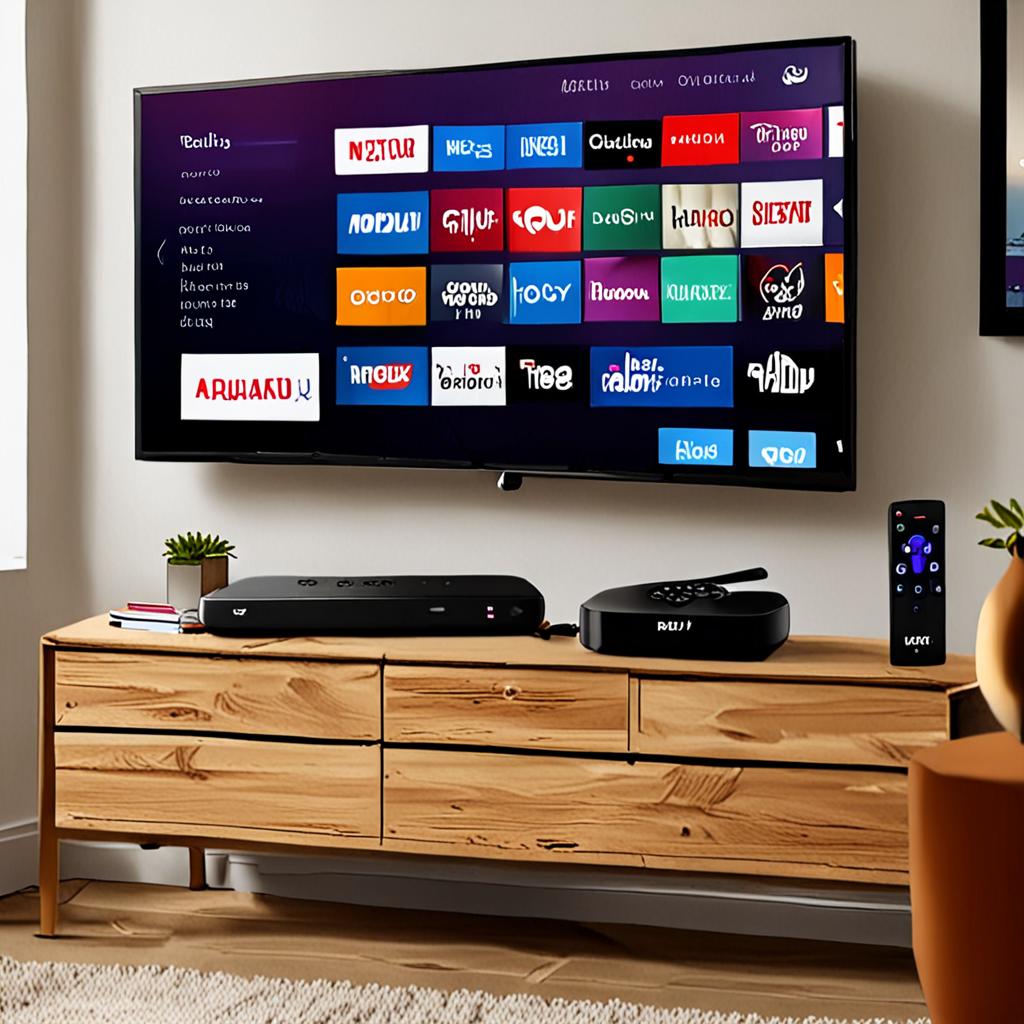
Best IPTV for Chromecast: Setup and Streaming Guide 2026
Google Chromecast is one of the most popular and affordable streaming devices in the world, and setting up IPTV on Chromecast opens up access to over 29,500 channels on any TV with an HDMI port. Whether you own a Chromecast with Google TV, an older Chromecast dongle, or a TV with built-in Chromecast, this guide covers the complete IPTV Chromecast setup process for every model.
The Chromecast ecosystem offers two distinct approaches to IPTV: installing apps directly on Chromecast with Google TV, or casting from a phone or tablet to older Chromecast models. Both methods work well with ManIPTV, and this guide walks you through each approach with step-by-step instructions.
By the end of this article, you will have your Chromecast streaming thousands of live TV channels, VOD content, and catch-up programs through ManIPTV, transforming any TV into a premium entertainment hub.
Chromecast with Google TV: The Best Option for IPTV
The Chromecast with Google TV, available in both HD and 4K models, is the best Chromecast for IPTV because it runs a full Android TV operating system. This means you can install IPTV apps directly on the device, just like you would on a Fire TV Stick or Android TV box.
The 4K model supports Ultra HD streaming at 60 frames per second, HDR10 Plus and Dolby Vision, and comes with a voice remote for easy navigation. At around $50, it is one of the most affordable ways to add 4K IPTV capability to any TV.
Setup is straightforward. From the Google TV home screen, open the Google Play Store and search for your preferred IPTV app. IPTV Smarters Pro, TiviMate, and OTT Navigator are all available and work excellently with ManIPTV's Xtream Codes API credentials.
Step-by-Step: IPTV Setup on Chromecast with Google TV
- Connect your Chromecast with Google TV to your TV's HDMI port and complete the initial setup if you have not already.
- Navigate to the Apps section on the Google TV home screen and open the Google Play Store.
- Search for IPTV Smarters Pro or TiviMate. Download and install your chosen app.
- Open the app and select Xtream Codes API login. Enter the server URL, username, and password provided by ManIPTV.
- Wait for the channel list to load. Browse categories, add favorites, and start watching.
- Optional: Install a file manager app to sideload additional IPTV apps not available on the Play Store.
Casting IPTV to Older Chromecast Models
Older Chromecast models, including the second and third generation dongles, do not have their own app store. Instead, they receive content cast from your phone, tablet, or computer. This approach works well for IPTV with the right apps.
Several IPTV apps support Chromecast casting. Install the IPTV app on your Android phone or iPhone, connect to your ManIPTV service, and use the cast button within the app to send the video to your Chromecast. The video plays on your TV while you use your phone as a remote control.
BubbleUPnP and Web Video Caster are popular third-party apps that add Chromecast casting capability to IPTV streams. If your primary IPTV app does not have built-in cast support, these apps can bridge the gap by taking the IPTV stream URL and casting it to your Chromecast.
Screen Mirroring as an Alternative
If casting is not working reliably, screen mirroring is a universal alternative. Android devices can mirror their screen to any Chromecast through the Google Home app. Simply open your IPTV app, start playing a channel, then mirror your entire screen to the Chromecast.
The trade-off with screen mirroring is that it mirrors everything on your phone screen, including notifications and other visual elements. It also uses more battery than direct casting because your phone is actively processing the video. However, it works with any IPTV app regardless of built-in cast support.
iPhone users can use the replica feature or third-party mirroring apps to achieve similar results with their Chromecast. While Apple's AirPlay is designed for Apple TV, several apps enable AirPlay-like functionality for Chromecast.
Best IPTV Apps for Chromecast with Google TV
TiviMate is the top recommendation for Chromecast with Google TV users. Its interface is optimized for remote control navigation, channel switching is fast, and the EPG display is clean and informative. The premium version adds recording, multi-playlist support, and catch-up TV at a very reasonable one-time or annual price.
IPTV Smarters Pro is the most straightforward option for beginners. The setup process is guided, the interface is intuitive, and it handles ManIPTV's 29,500 plus channels without performance issues. It supports both Xtream Codes API and M3U playlist connections.
OTT Navigator excels with large channel lists and offers powerful organizational features. You can create custom channel groups, apply filters, and sort channels in ways that other apps do not support. For users who want maximum control over their channel layout, OTT Navigator is the best choice.
Optimizing Chromecast for IPTV Performance
The Chromecast with Google TV has modest hardware compared to premium streaming devices, so a few optimizations help ensure smooth IPTV performance.
First, connect to 5GHz WiFi. The Chromecast's built-in WiFi adapter performs significantly better on 5GHz than 2.4GHz, with higher throughput and lower latency. If your Chromecast is too far from your router for a strong 5GHz signal, use a WiFi extender or consider a USB Ethernet adapter for a wired connection.
Second, clear unused apps and cached data regularly. The Chromecast with Google TV has limited storage, and a full storage drive can slow down performance. Go to Settings, Apps, and clear cache for apps you have used recently.
Third, disable background data usage for apps you do not use. Google TV runs several apps in the background that consume bandwidth and processing power. Restricting background data usage for non-essential apps frees up resources for your IPTV stream.
Chromecast vs Other Streaming Devices for IPTV
How does the Chromecast stack up against other streaming devices for IPTV use? The Chromecast with Google TV 4K offers excellent value at its price point, with 4K HDR support and access to the full Google Play Store. It competes directly with the Amazon Fire TV Stick 4K Max.
The Fire TV Stick 4K Max has slightly better WiFi with WiFi 6 support, a marginally faster processor, and more storage. However, the Chromecast integrates better with Google services and has a more refined interface for content discovery.
For IPTV specifically, both devices perform similarly. ManIPTV works flawlessly on both, and the choice between them often comes down to ecosystem preference. Google users might prefer Chromecast, while Amazon users might prefer Fire TV Stick.
Troubleshooting Chromecast IPTV Issues
Buffering on Chromecast is almost always WiFi-related. The device does not have an Ethernet port built in, making it more susceptible to wireless interference. A USB-C Ethernet adapter, available for around $15 to $20, provides a wired connection that eliminates WiFi-related buffering entirely.
If your Chromecast loses connection to your IPTV service, restart the device by unplugging it for 30 seconds and plugging it back in. If the issue persists, re-enter your ManIPTV credentials in the IPTV app, as credentials sometimes need to be refreshed after server maintenance.
Audio delay when using an external soundbar or AV receiver can be resolved in the Chromecast's sound settings. Go to Settings, Display and Sound, and adjust the audio delay slider until audio and video are synchronized.
Try ManIPTV on Your Chromecast
Turn your Chromecast into the ultimate live TV streaming device. ManIPTV offers a free 24-hour trial so you can test the complete channel lineup and streaming quality on your Chromecast before subscribing.
Contact ManIPTV on WhatsApp at +1 (559) 508-2154 to activate your free trial today. With 29,500 or more channels, 4K streaming, 99.9 percent uptime, and anti-freeze technology, ManIPTV and Chromecast make the perfect IPTV combination.
Ready to Start Streaming?
Get instant access to 20,000+ live channels, 4K streaming, and 80,000+ movies and series.
View Plans & Pricing